Run your entire campaign from your phone.
Ticketing, voting, fundraising — every flow that lives on sparkglim.net is in your pocket. Built for creators who run events live, on the field, and on the move.
Package: com.sparkglim.creator · iOS bundle: com.sparkglim.creator
- Version
- 1.0.92
- Platform
- iOS · Android
- Theme
- Dark
- Currency
- GHS
Real Creator app screens
Public snapshots are taken from the live Creator app experience so teams know what they are installing.
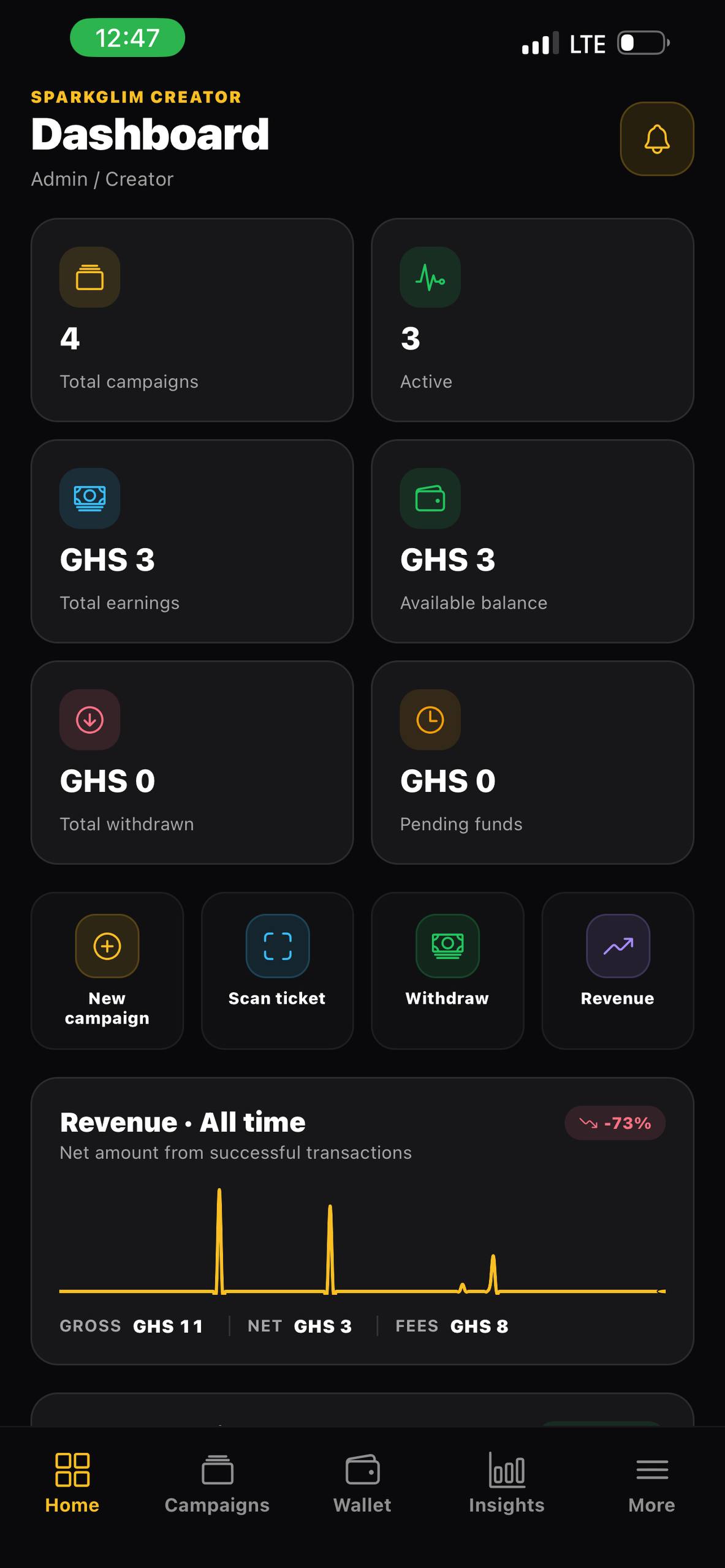
Creator dashboard
Live revenue, campaign activity, wallet status, and action cards from one mobile home.
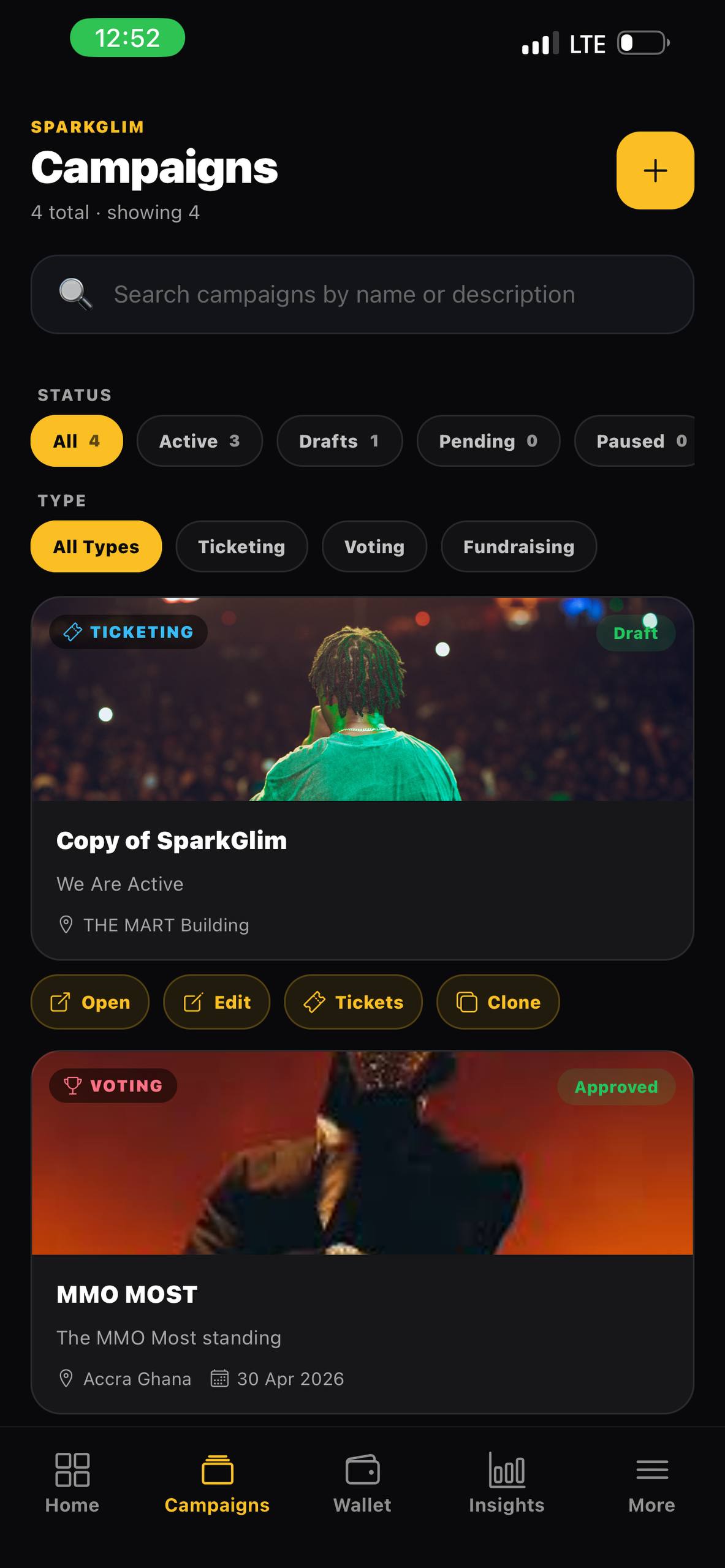
Campaign management
Create, edit, review, and operate ticketing, voting, and fundraising campaigns on the move.
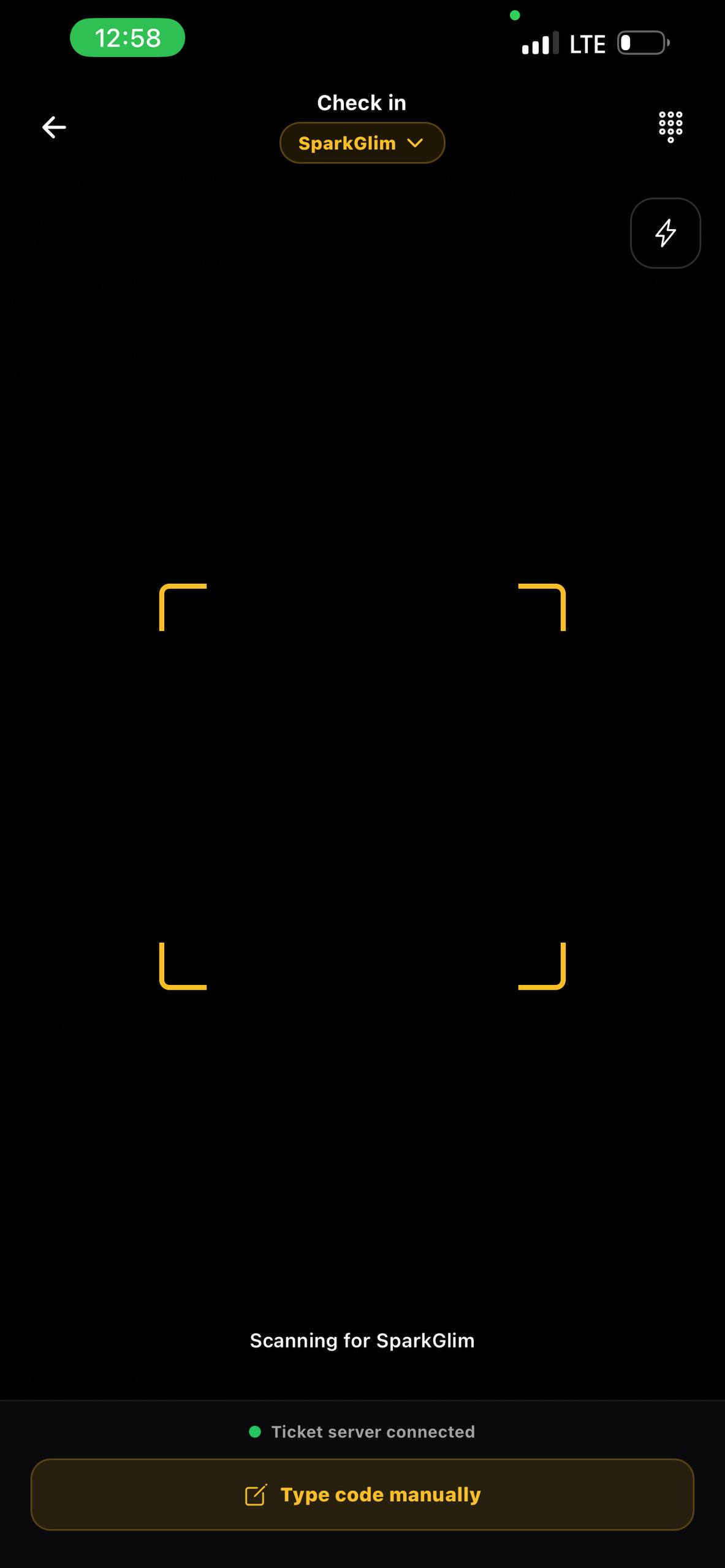
Ticket scanner
Camera-based QR verification with manual fallback, clear scanner states, and check-in history.
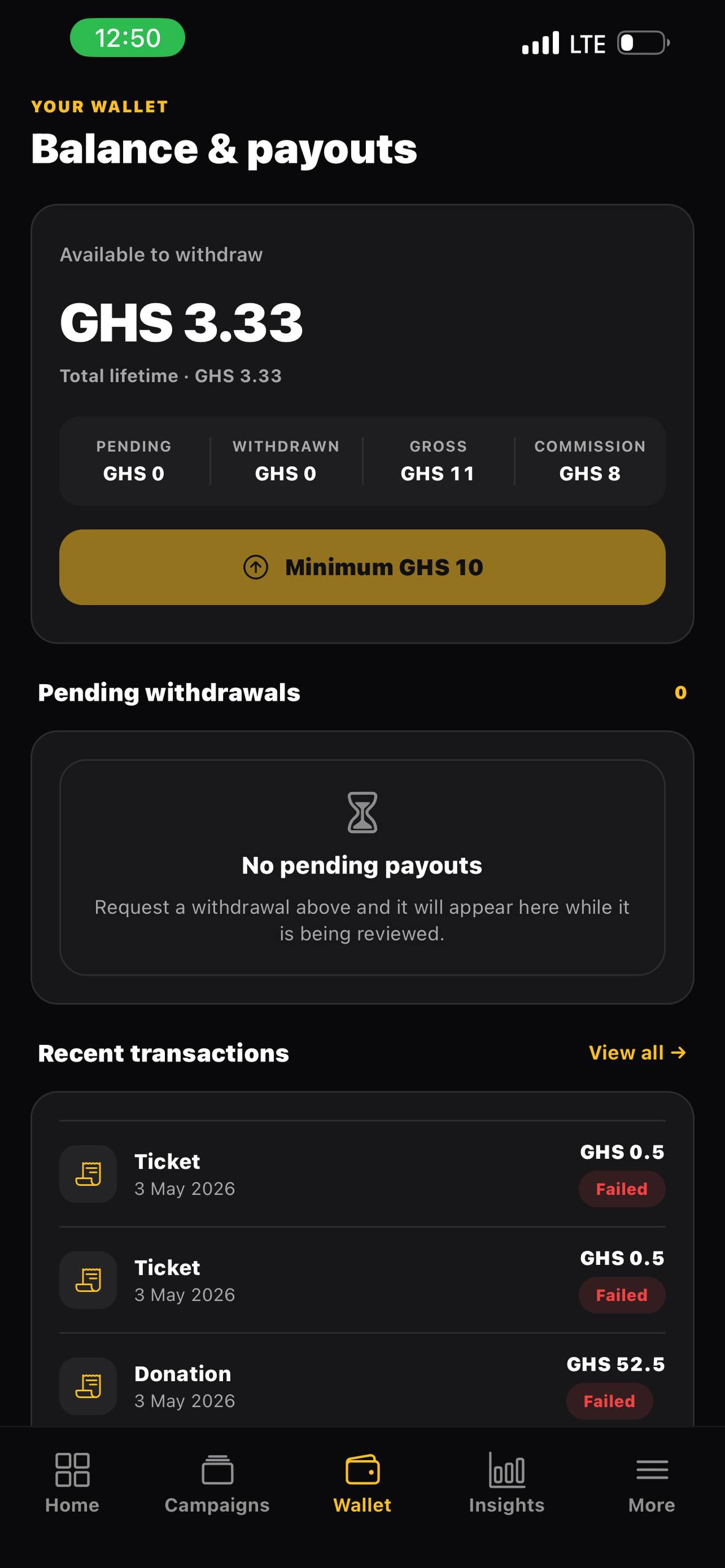
Wallet and payouts
Track net balances, withdrawal state, payout setup, and finance safety messages.
Everything a creator needs, mobile-first
The Creator app mirrors every flow the SparkGlim web console ships — wizards, edits, payouts, scanning, team management, analytics. Nothing is read-only.
Ticketing campaigns
Create paid, free, and invite-only events. Manage ticket types, sell at the door, and verify by QR or manual code at check-in.
Voting & awards
Run categories, accept nominees, configure vote pricing and limits, and watch the leaderboard update in real time.
Fundraising campaigns
Set a beneficiary, a story, a goal — and collect donations with built-in donor field config and custom donor questions.
Fast QR ticket scanner
Built-in camera scanner with manual fallback. Auto-verify valid tickets, route ambiguous ones to a manual-review dialog. Beep on success / fail.
Payouts & wallet
Request withdrawals to your saved bank, monitor available vs total balance, see commission breakdowns and refund reserves at a glance.
Analytics & reports
Revenue, votes, donors, and audience trends across every time range — 7 days through "All time" — with downloadable reports.
Team management
Invite organizers and coordinators, assign roles, manage per-permission access, and revoke devices when needed.
Live notifications
Push notifications when campaigns are approved, paused, ended, or hit a milestone. Inbox lives on every device.
Security-first auth
Per-request signed mobile API, secure token vault, refresh-failure recovery, and an active-sessions panel so you always know which device is signed in.
Offline-friendly
Cached dashboards, draft persistence for create flows, and a network banner so you always know whether you are online.
How creators use it
- 1
Sign in with your creator account (or an organizer invite).
- 2
Pick Ticketing, Voting, or Fundraising — fill in the type-aware wizard with native date pickers.
- 3
Preview the public page exactly as ticket buyers / voters / donors will see it.
- 4
Submit for approval. Once live, run the day-to-day from your phone — sales, votes, donations, payouts, team.
FAQ
- What does the SparkGlim Creator app cost?
- Downloading the app is free. SparkGlim charges a small per-transaction commission on tickets, votes, and donations — there are no subscription fees for creators.
- Is the Creator app the same as the SparkGlim public app?
- No. The Creator app is the operations workspace for people who run campaigns. Buyers, voters, and donors use the public sparkglim.net website to discover and interact with campaigns.
- Does it work offline?
- Most read screens (dashboard, campaigns list, latest transactions) work from cache while offline. Drafts you start in any create wizard are saved on-device and restored when you reopen the app, even after a network kill.
- How fast is the QR ticket scanner?
- The camera scanner auto-locks on a valid QR within a fraction of a second, beeps on success or fail, and routes ambiguous scans (already used, expired, duplicate) to an in-app manual review dialog that mirrors the desktop console flow.
- How do I see who is logged in to my account?
- Open More → Active sessions. Every signed-in device is listed with its platform, last activity, and a Revoke button. Your current device is marked.
Ready to run your campaigns from anywhere?
Install SparkGlim Creator and sign in with your existing creator account — your campaigns, payouts, team, and data are all there.
Questions? Email creators@sparkglim.net