
Guided menu flow
Present the campaign, nominee, vote quantity, and payment steps in a compact mobile session.
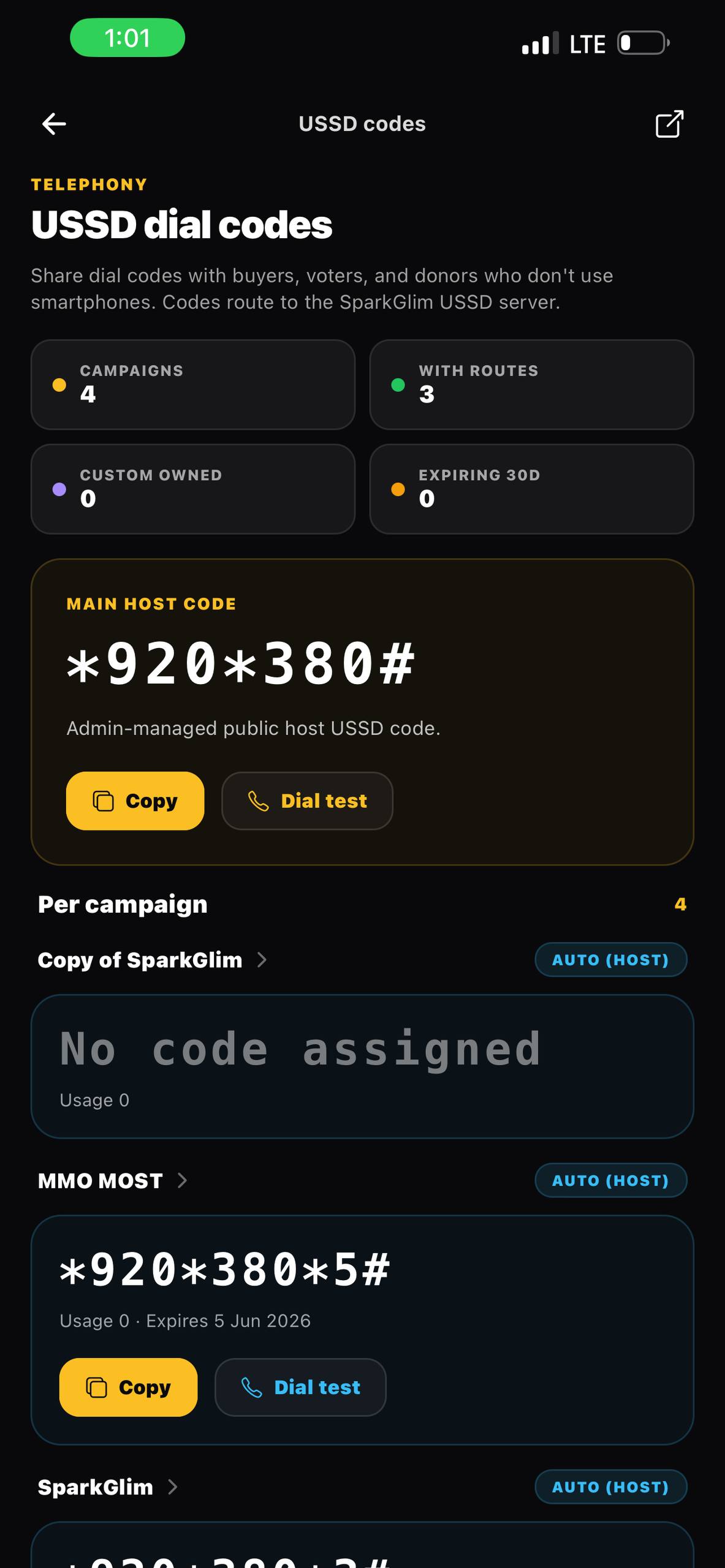
Short-code participation
Connect campaign and nominee codes to supported USSD voting, payment confirmation, vote records, and creator reporting with SparkGlim.
Built around the real workflow
USSD gives audiences a structured way to participate from a mobile phone without navigating a full browser journey. SparkGlim links the selected campaign, nominee code, number of votes, payment process, and resulting vote record so USSD participation remains part of the same campaign source of truth.
Capabilities
Present the campaign, nominee, vote quantity, and payment steps in a compact mobile session.
Respect campaign configuration for valid vote quantities and related transaction rules instead of imposing an unrelated fixed cap.
Connect successful USSD participation to the same nominee totals used by web and mobile campaign pages.
Support configured host codes, extensions, and campaign assignment through SparkGlim administration.
How it works
The exact fields and controls depend on the campaign type and account access, but the operating path stays clear.
Configure an eligible campaign and the USSD code or extension audiences should use.
Collect the campaign or nominee code and requested vote quantity within the session.
Complete the supported payment process and add verified vote quantities to the campaign records.
Who it is for
Offer a concise participation route for promotions distributed through radio, posters, and live programs.
Pair nominee codes with a short mobile flow familiar to student audiences.
Add USSD as another supported route without creating a separate results system.
Questions
USSD is designed for supported mobile network sessions and does not depend on a smartphone browser interface.
They should feed the same campaign and nominee records after the supported transaction is successfully verified.
The USSD flow should enforce the campaign configuration and applicable transaction limits for that campaign.
Continue exploring
Run Ghana voting campaigns with nominee codes, Mobile Money, card payments, USSD access, vote-based totals, and creator analytics.
Open pageCreate categories and nominees, accept verified vote transactions, track vote counts, and manage campaign visibility with SparkGlim.
Open pageManage award categories, nominee profiles, public codes, vote pricing, rankings, and campaign reports with SparkGlim.
Open pageCreate the account, configure the right campaign type, and publish a direct page your audience can understand and use.