
Managing attendees at a live event requires more than just selling tickets. Whether you are coordinating a campus debate at the University of Ghana, organizing a tech summit in Accra, or managing a large community fundraiser, operational execution at the venue gate directly impacts attendee satisfaction and safety. A poorly structured entry line or a sudden network delay can quickly create bottlenecks, overshadowing an otherwise well-planned event.
Success lies in establishing clear operational protocols that span capacity planning, arrival logistics, team communication, and technology integration. By shifting from a reactive posture to a proactive playbook, organizers can mitigate bottlenecks, manage exceptions cleanly, and collect reliable data for future iterations. This guide provides an actionable framework for handling logistics on the ground, utilizing modern tools to keep operations organized and efficient.
Capacity Planning and Venue Mapping
To ensure physical safety and crowd comfort, accurate capacity planning is essential. Venues often list maximum occupancy rates, but practical capacity is usually lower once staging, audio equipment, and exhibition booths are factored in. Organizers should map out the physical layout of the venue early, identifying high-density areas where congestion is likely to occur.
- Flow Rates: Estimate how many people can enter the venue per minute. Standard manual ticket checking can process 3 to 5 people per minute, while optimized QR scanning can increase this to 10 to 15 people per minute per scanner.
- Buffer Zones: Allocate at least 15% of the entry space for queue buffers to prevent crowds from spilling onto public roads or busy school corridors.
- Emergency Exits: Ensure all emergency exit pathways remain clear and unimpeded by temporary ticketing booths or queues.
Designing the Entry Flow and Arrival Zone
The entry point is an attendee's first physical interaction with your event. A disorganized entry zone frustrates visitors and slows down check-in. To design a functional arrival zone, split the entry flow into three distinct, visible phases:
- Triage and Signage: Place clear physical signs at least 50 meters before the gate. Instruct attendees to have their digital tickets or QR codes open on their mobile devices.
- Line Separation: Establish separate lanes for standard ticket holders, VIPs or sponsors, and on-site inquiries or exception handling.
- The Scan Zone: Position staff with scanning devices at table stations rather than letting them stand in a fluid crowd. This provides a physical barrier and keeps lanes structured.
Managing Connectivity Challenges
In many regional markets, including bustling urban areas in Ghana, local mobile network congestion can happen when hundreds of attendees try to access their digital tickets simultaneously. To mitigate this:
- Advise attendees via pre-event emails or SMS to screenshot their QR codes before arriving at the venue.
- Utilize local offline ticketing logs or dedicated local Wi-Fi networks if available, keeping checking systems operational even during temporary cellular dropouts.
Staffing Roles and Team Coordination
On-site personnel must understand their specific roles to prevent operational overlap or confusion. Do not rely on a generic pool of volunteers; assign clear responsibilities:
- The Greeter / Triage Coordinator: Directs attendees into the correct lanes and ensures they have their tickets ready.
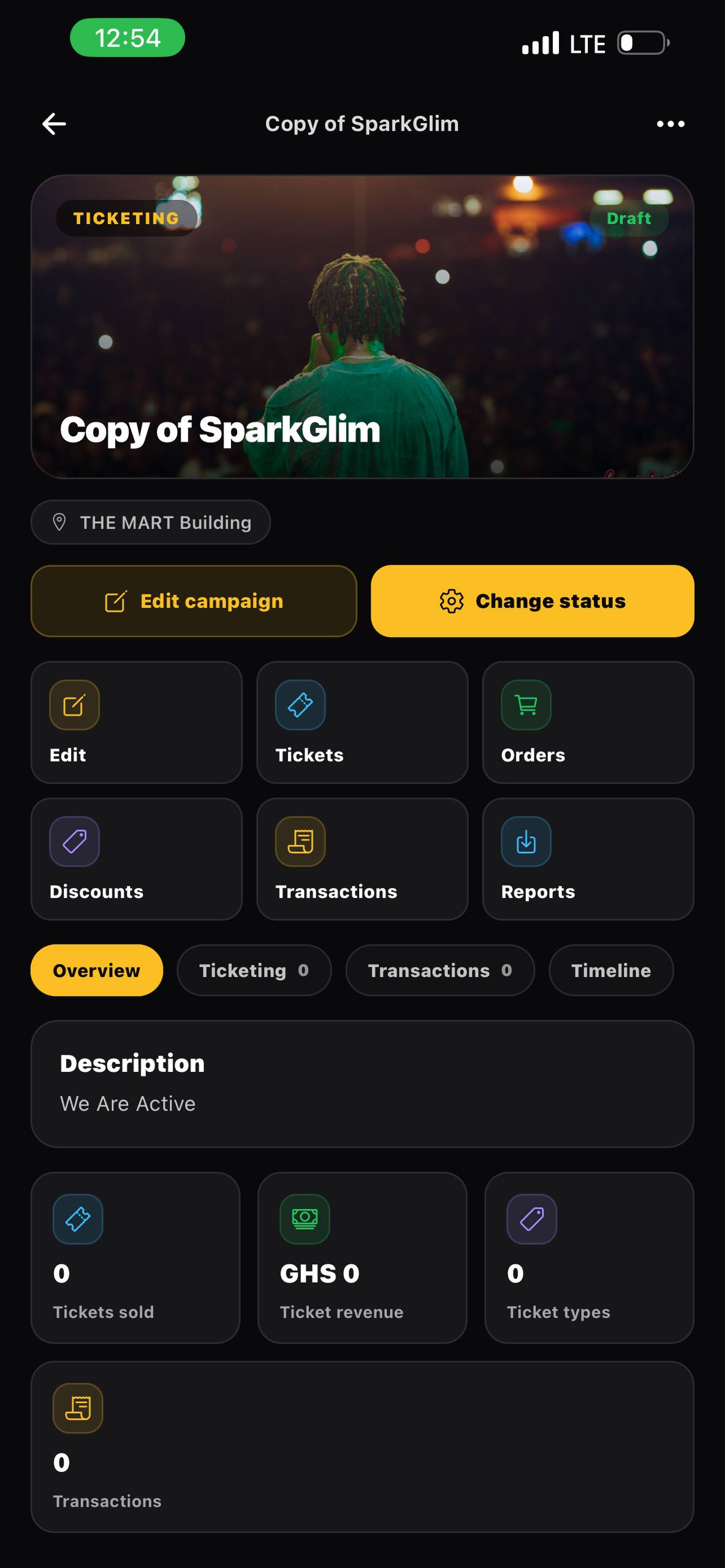
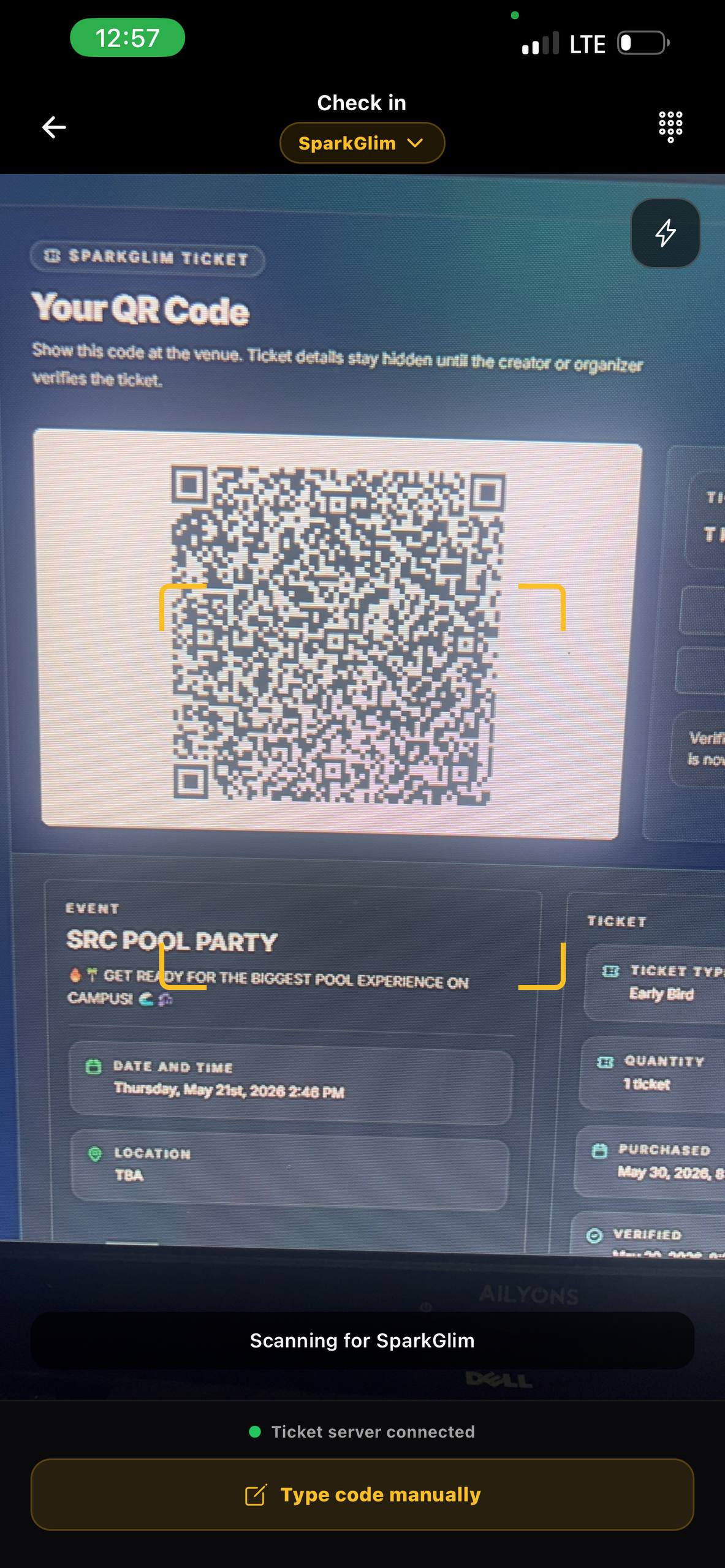
- The Check-In Team: Scans tickets and hands out wristbands or badges. Equipped with appropriate tools such as the SparkGlim creator mobile app, check-in staff can verify entries rapidly.
- The Escalation Officer: Handles invalid tickets, payment queries, and technical errors away from the main check-in lines.
- The Access Liaison: Manages accessibility requests, helping elderly, pregnant, or disabled participants navigate the venue safely.
Exception Handling and Crisis Protocols
No matter how well-prepared your team is, operational issues will arise. Having predefined protocols prevents confusion:
- Lost or Missing Tickets: Establish a central customer service desk equipped with access to the main attendee database. Staff can quickly verify an identity via email or phone number without holding up the main queue.
- Duplicate Scans: If a ticket scans as already checked in, escalate the attendee to the service desk. Verify their identification against the buyer records to resolve potential sharing or fraud issues.
- Capacity Limits: If a free-entry event reaches physical capacity, pause check-ins immediately and notify waiting attendees. Maintain a strict "one-in, one-out" policy if the local authorities permit.
Post-Event Analytics and Reporting
After the event concludes, the operational cycle is completed by analyzing the data gathered. Gathering your coordination team for a debrief ensures that lessons are documented for the next campaign.
- Analyze Scan Times: Review when peak entry occurred. This helps adjust staffing schedules for future events.
- Review Support Logs: Document the most common issues handled by the escalation desk to adjust pre-event communication or improve your ticket delivery process.
- Audit Transactions: Reconcile verified check-ins against the registered attendee list. For campaigns involving paid admission, digital voting, or community fundraising, cross-referencing these totals ensures accurate financial reporting. Learn more about administrative best practices on the SparkGlim blog.
Operational Checklist for Event Day
- [ ] Signage placed at the venue perimeter directing attendees to the correct lanes.
- [ ] Scanning devices fully charged, with external power banks available for backup.
- [ ] Check-in staff trained on scanning protocols and the escalation path.
- [ ] Designated customer service desk set up away from the primary entrance lines.
- [ ] Offline back-up check-in list printed or downloaded to a secure local drive.
Frequently Asked Questions
How do we manage ticket check-ins if the local mobile network fails?
Prepare for network disruptions by asking attendees to download or screenshot their QR codes in advance. Organizers can also use offline database exports or ensure backup devices are connected to an alternative network provider.
What is the best way to handle long lines at a large event?
Prevent long lines by setting up a dedicated triage zone 50 meters before the entrance. This ensures attendees have their tickets ready before reaching the scanning staff, keeping entry lanes moving efficiently.
How can we safely manage capacity limits at free public campaigns?
Implement a pre-registration system to track expected numbers. On-site, use real-time digital counters at check-in and check-out gates, transitioning to a strict "one-in, one-out" system once safe capacity is reached.
Should we have separate check-in lanes for VIPs and general admission?
Yes. Separate lanes prevent bottlenecks and maintain a premium experience for VIPs, while allowing general entry lanes to focus entirely on fast, high-volume processing.
Streamline Your Event Operations Today
Executing an event smoothly requires reliable technology, careful planning, and trained staff. By prioritizing entry flow design, utilizing mobile scanning apps, and establishing clear roles, you can eliminate entry chaos and focus on delivering an excellent experience. Explore how to build, promote, and manage your upcoming ticketed campaigns or community events at SparkGlim Events.
Article gallery
Frequently asked questions
How do we manage ticket check-ins if the local mobile network fails?
Prepare for network disruptions by asking attendees to download or screenshot their QR codes in advance. Organizers can also use offline database exports or ensure backup devices are connected to an alternative network provider.
What is the best way to handle long lines at a large event?
Prevent long lines by setting up a dedicated triage zone 50 meters before the entrance. This ensures attendees have their tickets ready before reaching the scanning staff, keeping entry lanes moving efficiently.
How can we safely manage capacity limits at free public campaigns?
Implement a pre-registration system to track expected numbers. On-site, use real-time digital counters at check-in and check-out gates, transitioning to a strict "one-in, one-out" system once safe capacity is reached.
Should we have separate check-in lanes for VIPs and general admission?
Yes. Separate lanes prevent bottlenecks and maintain a premium experience for VIPs, while allowing general entry lanes to focus entirely on fast, high-volume processing.
Found this helpful?



Comments (0)