
Multiple campaign types
Operate eligible ticketing, digital voting, fundraising, and related event campaigns from one creator environment.
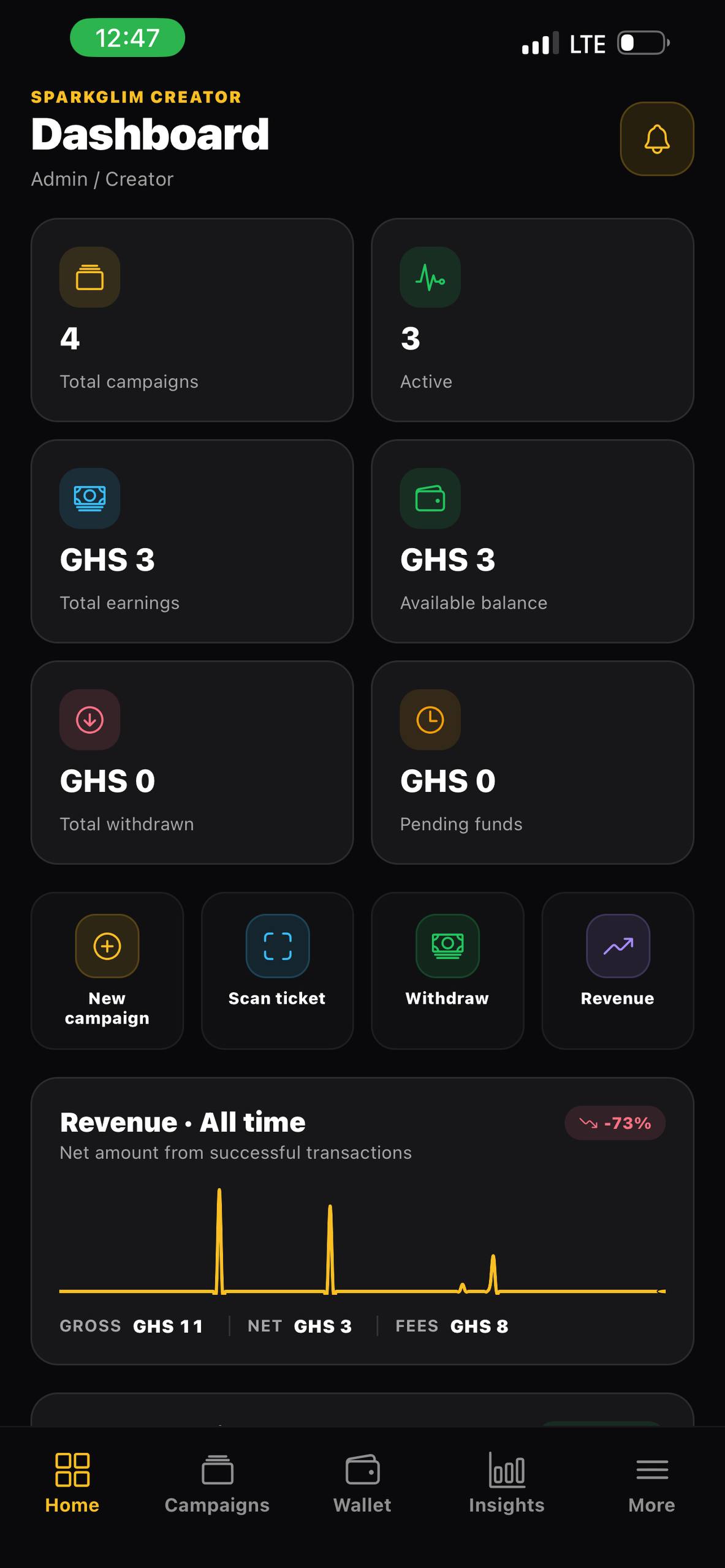
Connected creator operations
Use SparkGlim for ticketing, voting, fundraising, teams, audience records, transactions, analytics, reports, and creator operations.
Built around the real workflow
SparkGlim is built around the campaign as a complete operational record. Public participation, payments, nominees, ticket types, audiences, team permissions, reports, wallet balances, withdrawals, notifications, and creator tools remain connected to the owning account and relevant campaign.
Capabilities
Operate eligible ticketing, digital voting, fundraising, and related event campaigns from one creator environment.
Creators and organizers only access the campaigns, transactions, balances, and tools authorized for their account or team role.
Use SparkGlim web, mobile, and supported desktop tools according to the workflow and device at hand.
Connect campaign purpose, transaction details, audience activity, exports, wallet values, and operational diagnostics.
How it works
The exact fields and controls depend on the campaign type and account access, but the operating path stays clear.
Start with ticketing, voting, fundraising, or another supported workflow that matches the real event.
Set public details, participant records, team members, permissions, and account controls.
Use transactions, campaign analytics, reports, balances, and notifications to manage the live operation.
Who it is for
Move from isolated tools to a shared campaign record with scoped team access.
Run different event and engagement formats without rebuilding the operating system for each one.
Use creator applications today and progress to approved white-label infrastructure when required.
Questions
SparkGlim includes ticketing, digital voting, fundraising, and related event-management workflows exposed according to current product and account availability.
No. Organizer access should follow assigned roles and permissions within the creator team model.
Creator financial views should use the authoritative net earnings and balance records appropriate to the account, while gross values remain available only where context requires them.
Continue exploring
Create an event, publish ticket types, accept Mobile Money and card payments, deliver QR tickets, and track sales with SparkGlim.
Open pageCreate categories and nominees, accept verified vote transactions, track vote counts, and manage campaign visibility with SparkGlim.
Open pageCreate an online fundraising campaign with public details, media, payment records, campaign analytics, and creator management tools.
Open pageCreate the account, configure the right campaign type, and publish a direct page your audience can understand and use.