
Demystifying USSD for Digital Campaigns
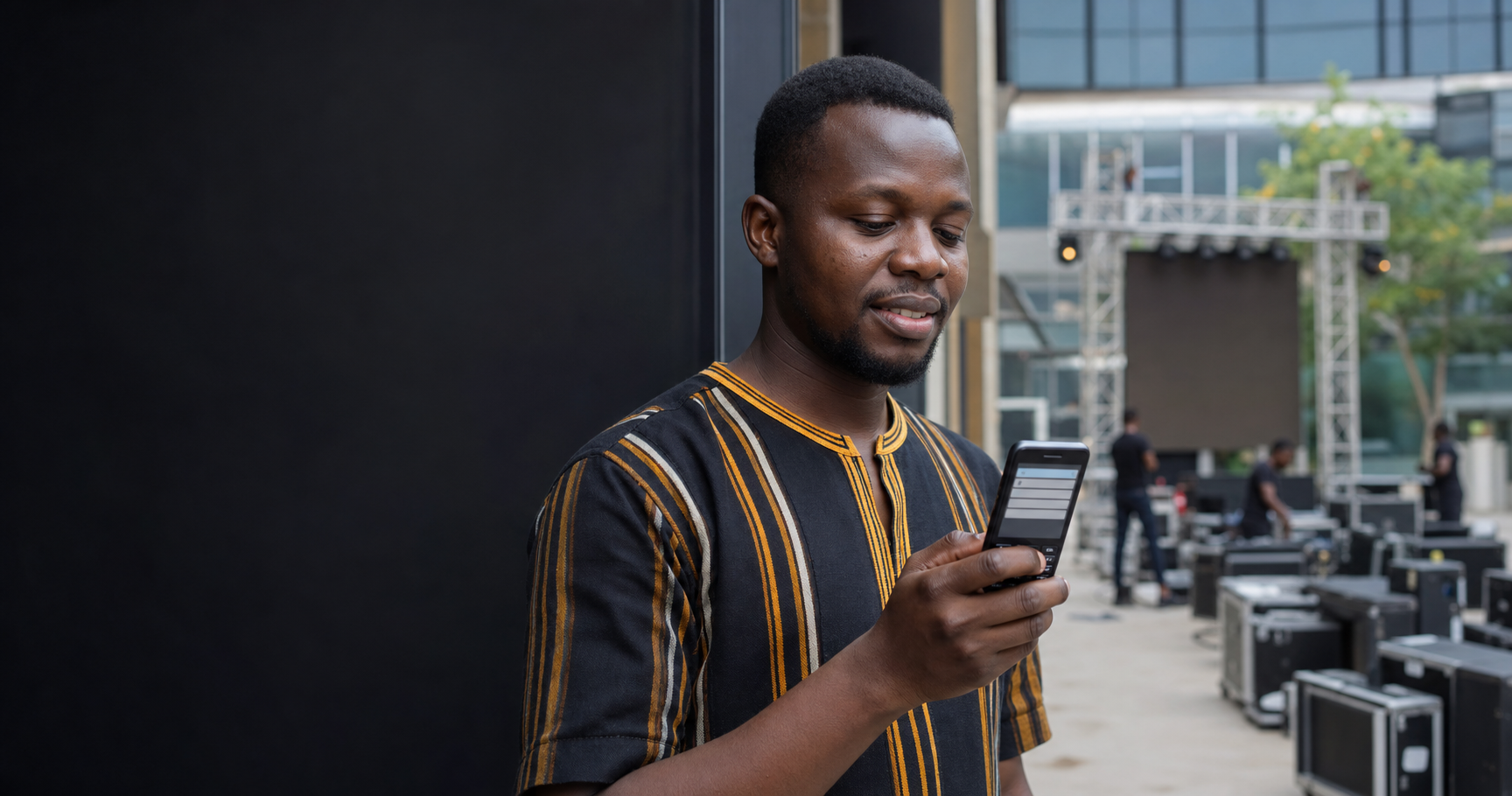
Unstructured Supplementary Service Data (USSD) is a real-time communication protocol that allows users to interact with remote applications through their mobile devices. Unlike SMS, which is a store-and-forward messaging service, USSD establishes a real-time session between the user's mobile device and the SparkGlim backend. This direct connection is what makes it an essential tool for event organizers, campus groups, and creators in markets like Ghana, where accessibility and speed are paramount for ticket purchases, voting, or donations.
When a user dials a code—typically starting with an asterisk and ending with a hash—they are initiating a request-response flow. The telecommunications infrastructure routes this request to the SparkGlim platform, which then returns a menu or a prompt. This process happens in a matter of seconds, creating a highly efficient user experience that functions perfectly even on basic feature phones without an internet connection. Because the service is built into the GSM standard, it offers unparalleled reach across diverse demographics.
How the SparkGlim Backend Manages USSD Sessions
The core of any successful USSD deployment is a robust backend system capable of maintaining stateful communication. SparkGlim functions as the central bridge between the telecommunications provider and your end-users. When a user engages with your campaign, the backend doesn't just read the code; it identifies the specific user context, manages the session state, and ensures that the data flow is logical. For example, if a participant is buying a ticket, the system remembers which event they chose, their price category, and their unique identifier throughout the multi-step navigation.
The Anatomy of a Request-Response Session
- Initiation: The user dials your dedicated USSD extension. The request hits the network and arrives at our servers.
- Menu Rendering: The SparkGlim backend identifies the campaign and pushes a menu list to the user's screen.
- Input Processing: The user selects an option or types information (e.g., ticket quantity).
- Validation: The system verifies the input against campaign rules, such as availability or valid participation dates.
- Transaction Handoff: For paid events or voting, the platform routes the payment request to the mobile money or bank gateway.
- Confirmation: Once complete, the user receives an SMS or an on-screen notification confirming their action.
Operational Constraints and Best Practices
While USSD is remarkably powerful, it operates under specific constraints that organizers must respect to ensure a smooth user experience. Because the screen space is limited and menus are navigated via keypad input, simplicity is the golden rule. Long, complex text strings can be truncated by the network, and deeply nested menus can lead to high abandonment rates. SparkGlim optimizes your menu structures to keep navigation shallow, typically keeping the user journey to under five steps for critical actions.
Another vital factor is mobile compatibility. Since USSD is a native protocol, it works on almost any mobile device in circulation, regardless of the operating system or internet capability. However, the session timing is short—usually 30 to 60 seconds of inactivity before the connection times out. This is a security and network load-balancing measure. When designing your campaigns on our features page, keep your choices clear and encourage users to complete their session promptly.
Structuring Your Campaign for Success
Organizing a campaign—whether it is a student election or a ticketed gala—requires careful planning of the USSD flow. Follow this checklist to prepare your deployment:
- Define the Goal: Is it a fundraiser, a ticket purchase, or a vote? Each has a distinct input path.
- Keep Menus Concise: Use clear, abbreviated text to avoid screen-size limitations.
- Test the Workflow: Always run a sandbox test to ensure the backend logic triggers the correct outcome.
- Coordinate with Analytics: Use the SparkGlim dashboard to monitor where users might be dropping off in the session.
- Clarify Payment Steps: If your USSD flow includes payments, ensure users are prepared to authenticate their mobile money PINs when the prompt arrives.
Expanding Reach with Shared and Custom Extensions
SparkGlim offers flexibility in how your USSD service is accessed. We provide shared extensions for smaller community initiatives, which are cost-effective and easy to launch. For larger enterprise-grade campaigns or high-traffic events, we support approved custom USSD routing. A custom route provides your brand with a unique dial string, which can significantly enhance professional perception and simplify marketing recall.
Regardless of the extension type, the backend-routed payments and data collection remain consistent. Whether you are using a shared or custom path, the SparkGlim infrastructure manages the security of the session. We handle the handshake with the carrier and the reconciliation of payments, providing you with a clean record of every transaction or vote cast within your dashboard. Learn more about the technical specifications of our integrations at https://sparkglim.net/ussd.
Conclusion
USSD remains the backbone of accessible, inclusive digital interaction in the Ghanaian market and beyond. By stripping away the need for data plans or high-end smartphones, it provides a level playing field for organizers to reach every participant. When you integrate USSD through SparkGlim, you are not just getting a dial string; you are utilizing a fully managed, state-aware platform designed to turn simple mobile inputs into successful event outcomes, votes, and funds. As you plan your next project, focus on creating a concise, user-friendly menu structure and let our backend handle the heavy lifting of connectivity and payment reconciliation.
Ready to deploy your first USSD campaign? Reach out to our team at https://sparkglim.net/contact to discuss your requirements and get started today.
Frequently Asked Questions
- Question: Does the user need internet to use USSD? Answer: No, USSD works on any mobile phone using the basic GSM network, so no data or internet is required.
- Question: How long does a USSD session last? Answer: A session usually lasts between 30 and 60 seconds. If the user does not interact within this window, the session will time out for security reasons.
- Question: Can I accept payments via USSD on SparkGlim? Answer: Yes, SparkGlim supports backend-routed payments, allowing you to collect mobile money or bank payments directly through your configured USSD menus.
- Question: What is the difference between a shared and custom USSD extension? Answer: A shared extension is a cost-effective path used by multiple campaigns, while a custom extension provides a unique, dedicated code specifically for your brand or event.
Article gallery
Frequently asked questions
Does the user need internet to use USSD?
No, USSD works on any mobile phone using the basic GSM network, so no data or internet is required.
How long does a USSD session last?
A session usually lasts between 30 and 60 seconds. If the user does not interact within this window, the session will time out for security reasons.
Can I accept payments via USSD on SparkGlim?
Yes, SparkGlim supports backend-routed payments, allowing you to collect mobile money or bank payments directly through your configured USSD menus.
What is the difference between a shared and custom USSD extension?
A shared extension is a cost-effective path used by multiple campaigns, while a custom extension provides a unique, dedicated code specifically for your brand or event.
Found this helpful?

Comments (0)