
Campaign-centered records
Orders, ticket types, buyers, revenue, and check-ins remain linked to the event that produced them.
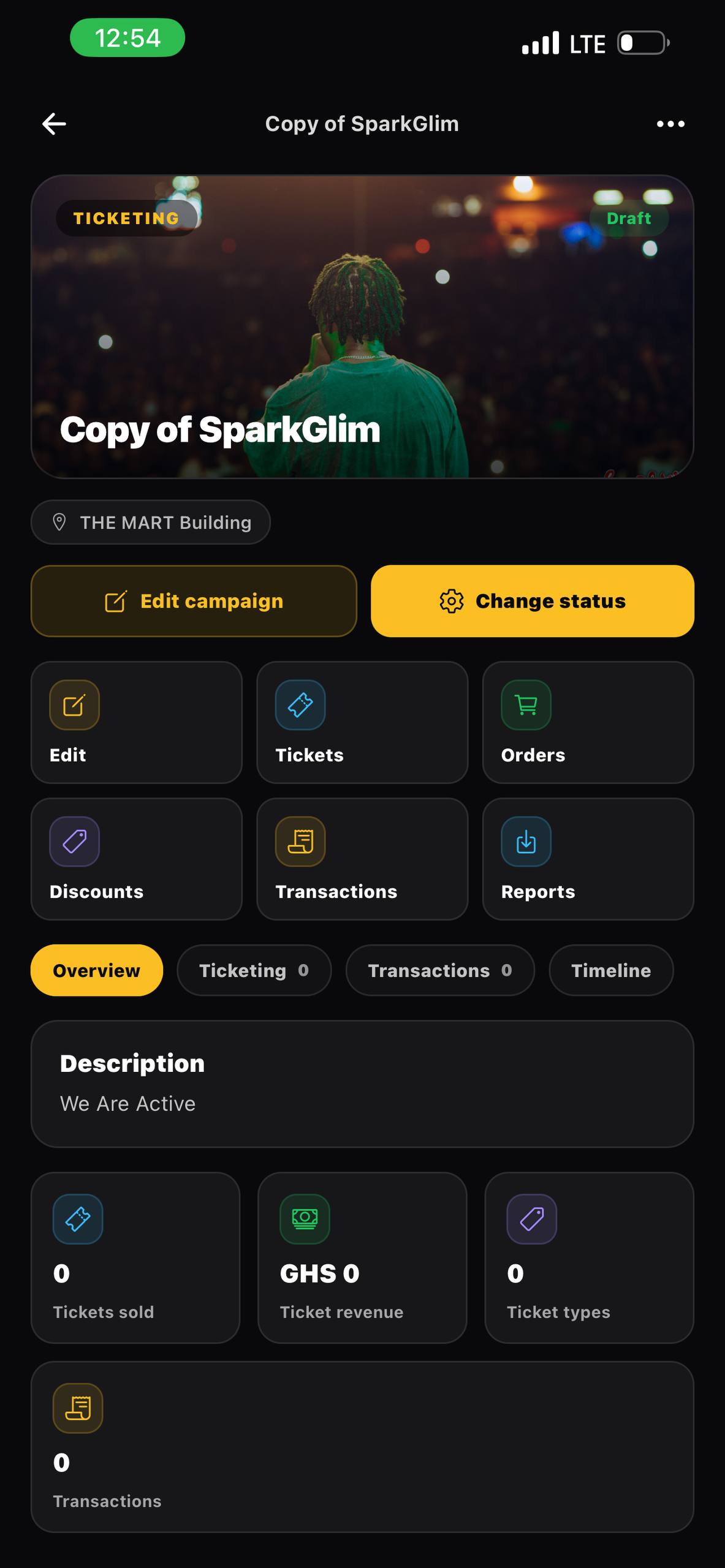
Ticketing software
Run ticket sales, attendee records, payment tracking, QR delivery, check-in, reporting, and organizer access with SparkGlim.
Built around the real workflow
A useful ticketing platform must do more than collect a payment. SparkGlim connects the public event page, order purpose, ticket inventory, buyer information, QR verification, creator reporting, and settlements so teams can understand what happened before, during, and after an event.
Capabilities
Orders, ticket types, buyers, revenue, and check-ins remain linked to the event that produced them.
Use web and creator application tools to monitor an event, support attendees, and coordinate an organizer team.
Approved public events can appear in SparkGlim listings and retain their own shareable, indexable event pages.
Review ticket quantities, transaction purpose, payment references, event performance, and downloadable records.
How it works
The exact fields and controls depend on the campaign type and account access, but the operating path stays clear.
Set the event details and ticket inventory in a campaign rather than maintaining disconnected forms and spreadsheets.
Publish the event and distribute one canonical link across social, messaging, and partner channels.
Use sales and check-in data to make decisions while the event is running.
Who it is for
Launch without building a checkout, ticket generator, scanner, and reporting system from scratch.
Keep multiple events, teams, buyers, and reports organized under the correct creator account.
Maintain clearer oversight for official programs, ceremonies, conferences, and student events.
Questions
No. Ticketing is connected to campaign setup, ticket inventory, payment records, delivery, verification, reporting, creator access, and withdrawals.
Yes. Creator accounts can manage multiple campaigns while each event retains separate details, transactions, and operational records.
Yes. Every eligible public campaign has a dedicated route that can be shared directly instead of sending visitors to a generic homepage.
Continue exploring
Create an event, publish ticket types, accept Mobile Money and card payments, deliver QR tickets, and track sales with SparkGlim.
Open pageUse unique QR tickets, ticket codes, check-in records, and creator scanning tools to manage event entry with SparkGlim.
Open pageUse SparkGlim for ticketing, voting, fundraising, teams, audience records, transactions, analytics, reports, and creator operations.
Open pageCreate the account, configure the right campaign type, and publish a direct page your audience can understand and use.